×

https://kikao64.ke/

Contuct Us

Guide

Kikao64 ☕ App Installation Steps

01.

Pre-
requisites

Click on the button below depending on your phone type to download the Expo Go App.

iOS App Android App

02.

Account
Login

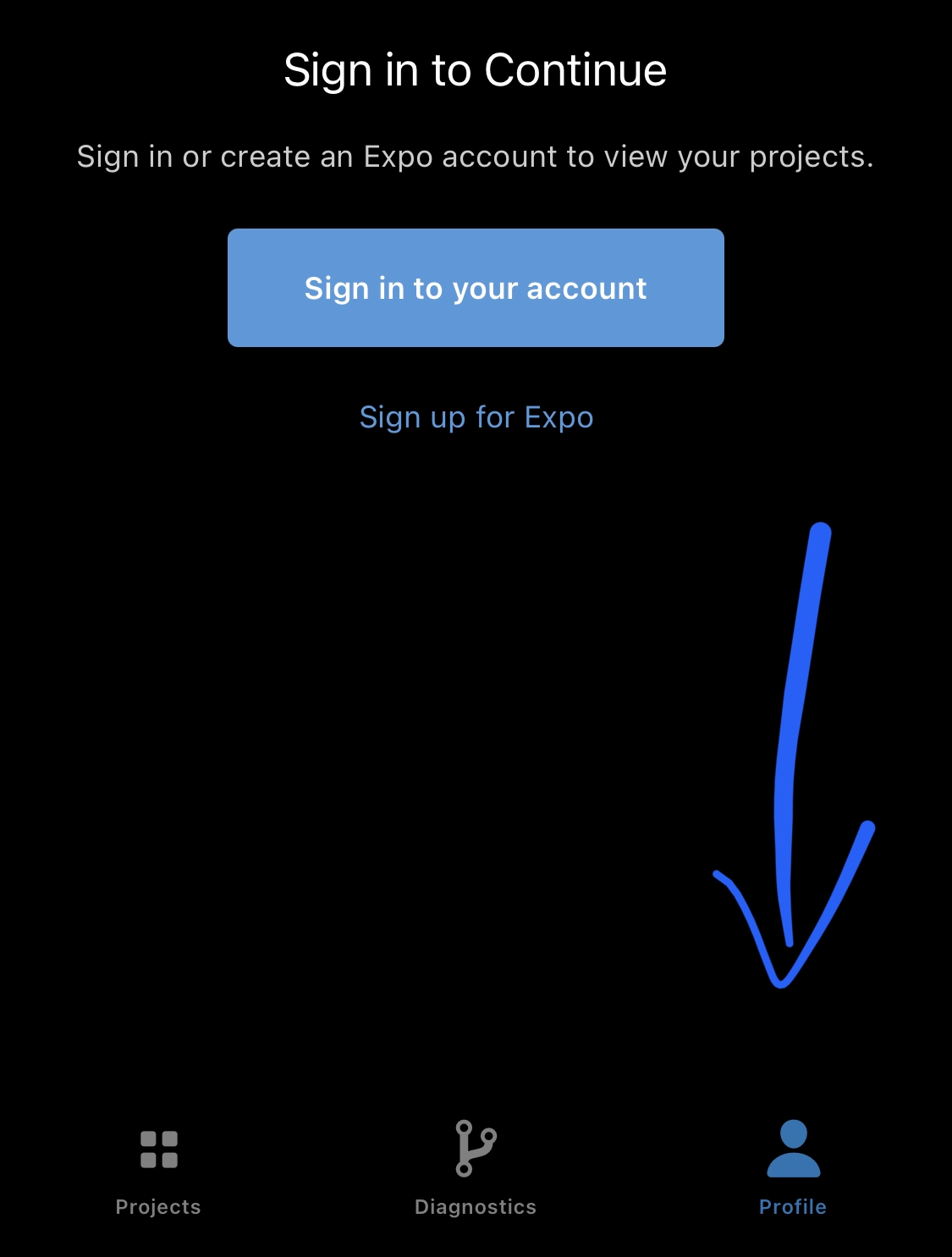
Sign In to your account on Expo Go under the profile tab as shown on the picture. Use the credentials below.

Username : kikao64
Password : 2021@kikao64

03.

Expo
Go

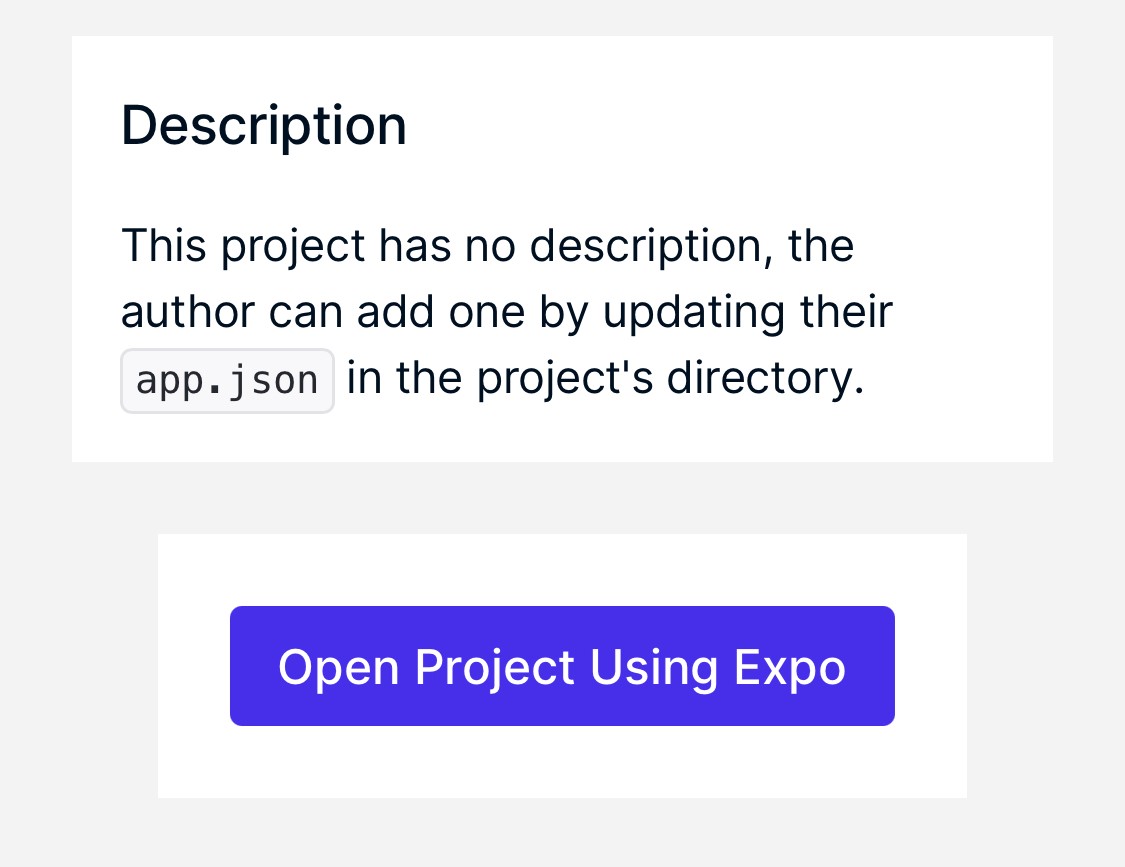
After Signing In to Expo Go, click on the button below to open the Kikao64 ☕ App project.

Kikao64 ☕ App

Finally, click on Open Project Using Expo.
04.

QR
Code

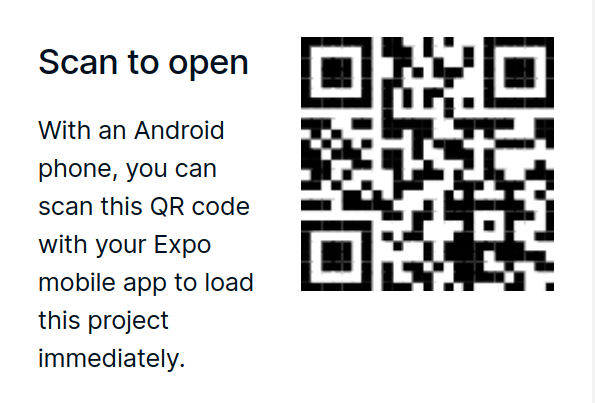
Note: For Android users, you might as well scan the QR-Code given to load the app.

05.

Expo
Menu

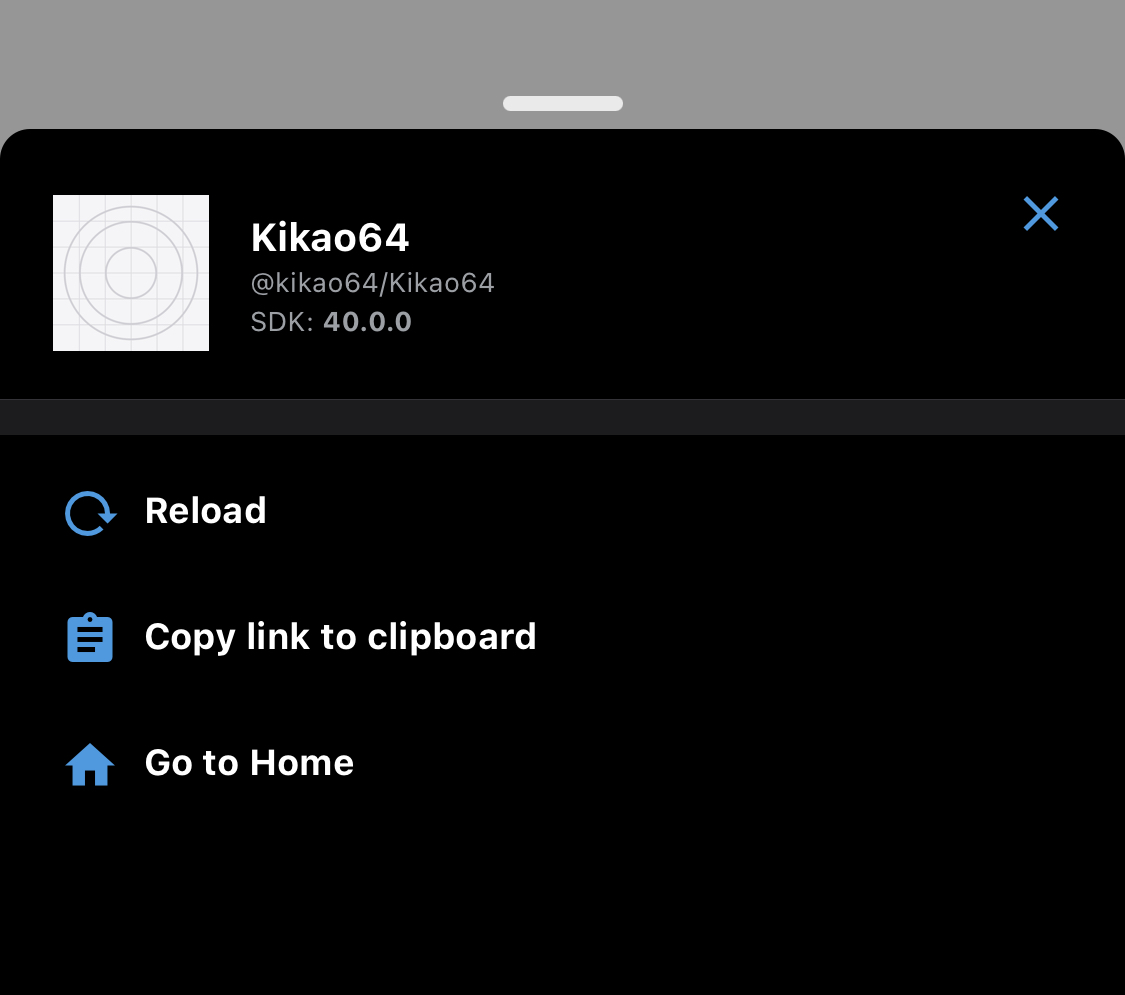
For iOS users, shake your phone for the menu to show up, click on Go To Home then under projects on the Recently Opened, click on Kikao64 @kikao64 to reload the project app.

Note : If you are offline and have opened the app before, click on Use Cache to load the app, else if you have an internet connection, click on Reload to reload your app to check on the progressiveness of the app development.

DISCLAIMER : This is a prototype lite version of the app, and no publication has been made for public use either on App Store or Google Play Store. All rights reserved to Kikao64.
Kikao64 Official Website
Kikao64

Kikao64 In House Café App Development Tools

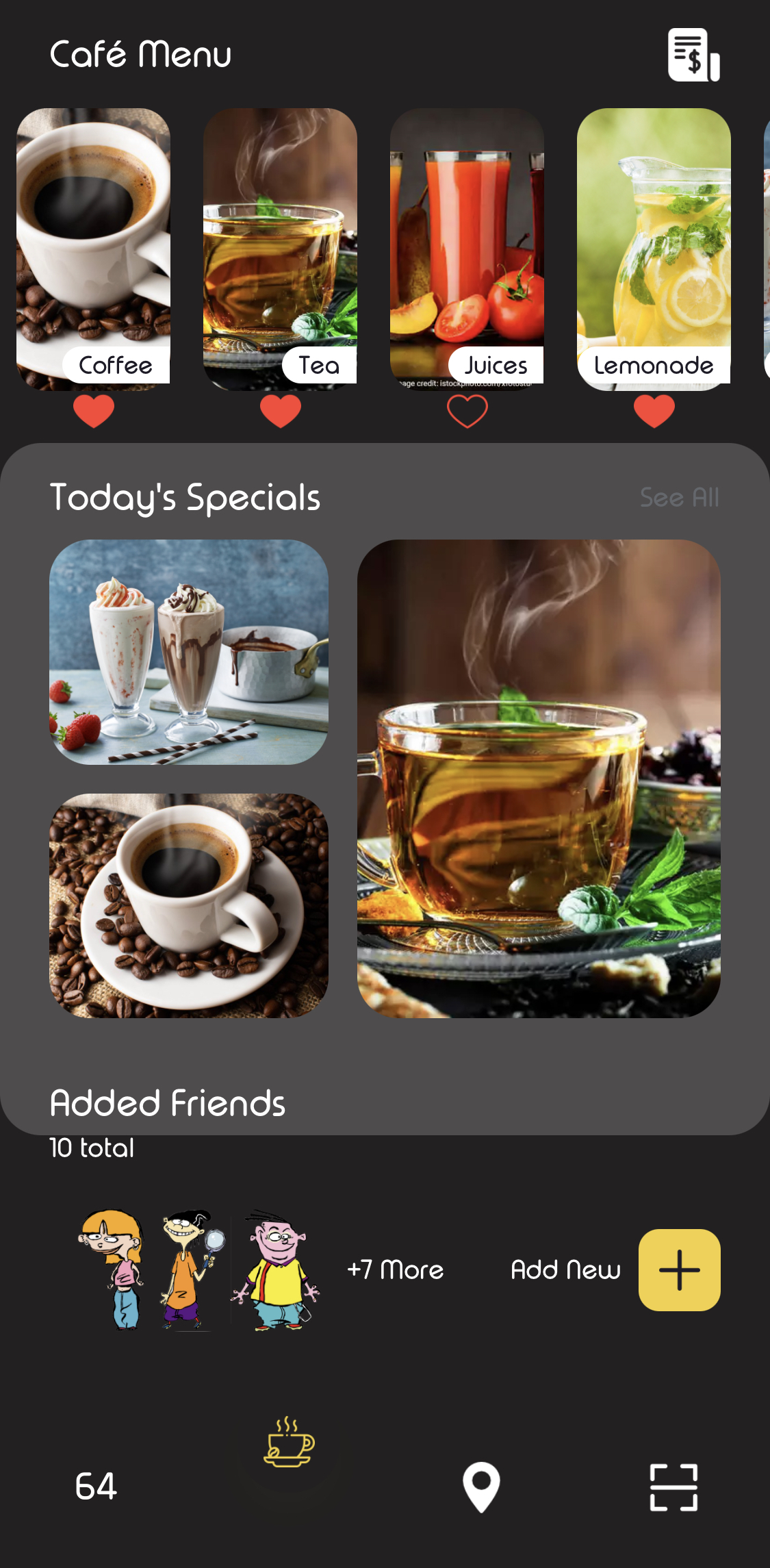
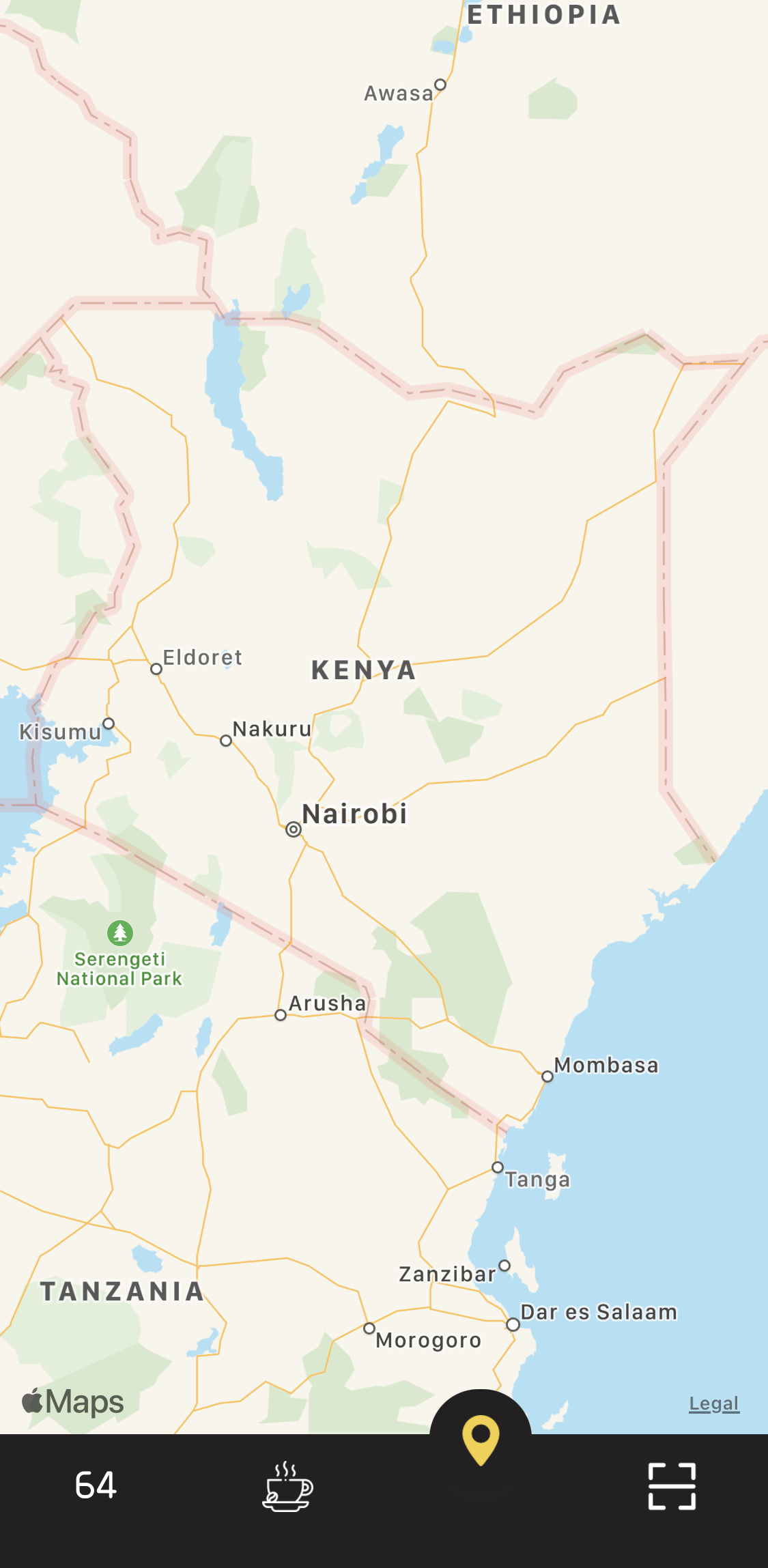
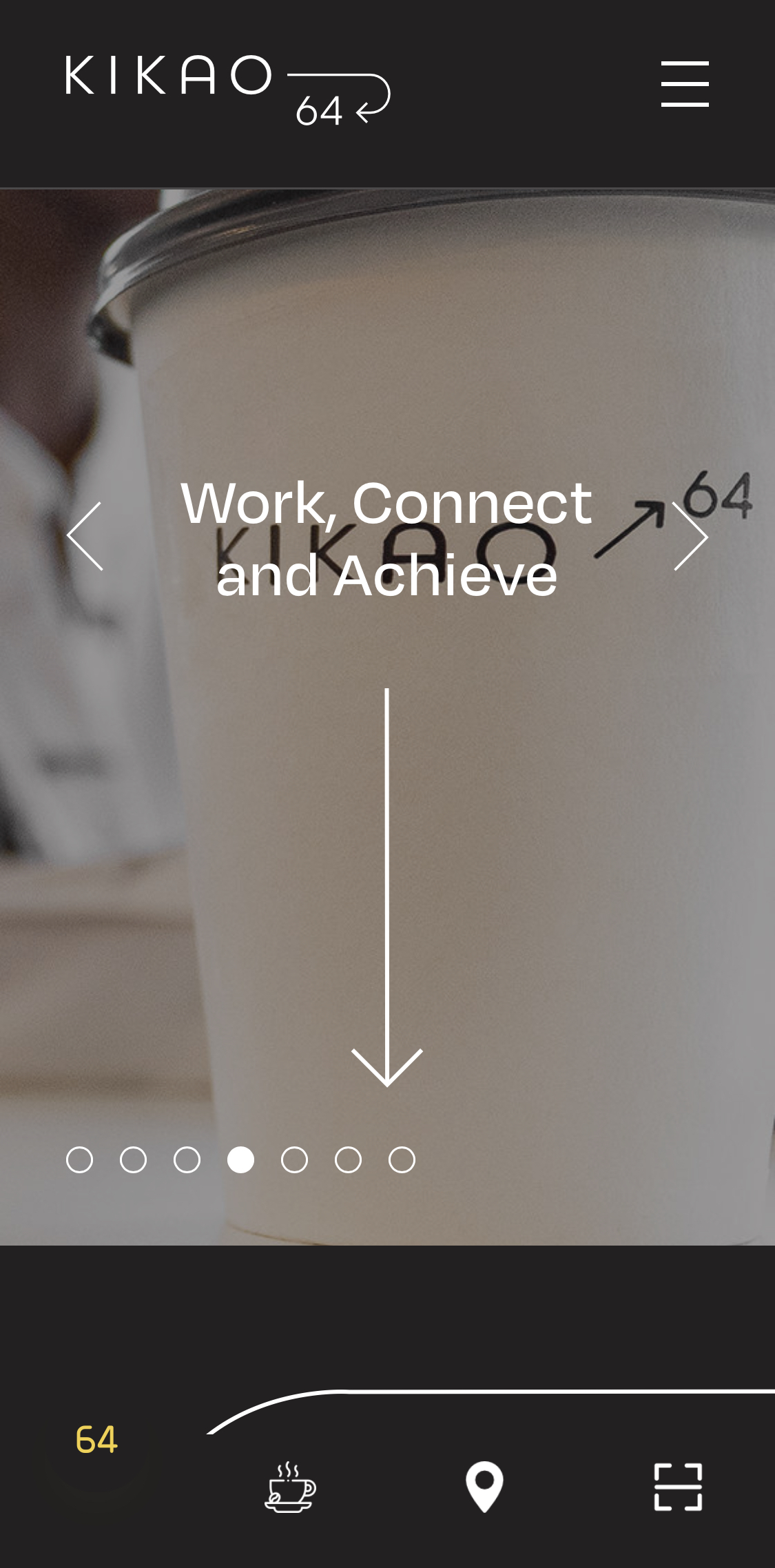
App Navigation

The General Illustration of the App

Kikao64 In House Café App

Development Tools

Programming Language : React JS

Framework : React Native

Environment : Expo CLI

App Version : Lite

IDE : VS Code

Package Manager : npm, yarn

iOS : iPhone XS

Android : Chrome Browser Web Dev

Dependencies :

  • "@react-native-community/masked-view": "^0.1.10",

  • "@react-navigation/bottom-tabs": "^5.11.8",

  • "@react-navigation/native": "^5.9.3",

  • "@react-navigation/stack": "^5.14.3",

  • "expo": "~40.0.0",

  • "expo-font": "^8.4.0",

  • "expo-status-bar": "~1.0.3",

  • "react": "16.13.1",

  • "react-dom": "16.13.1",

  • "react-native": "https://github.com/expo/react-native/archive/sdk-40.0.1.tar.gz",

  • "react-native-camera": "^3.43.6",

  • "react-native-gesture-handler": "^1.8.0",

  • "react-native-iphone-x-helper": "^1.3.1",

  • "react-native-maps": "0.27.1",

  • "react-native-maps-directions": "^1.8.0",

  • "react-native-permissions": "^3.0.1",

  • "react-native-qrcode-scanner": "^1.5.4",

  • "react-native-reanimated": "^1.13.0",

  • "react-native-safe-area-context": "^3.1.9",

  • "react-native-screens": "^2.15.2",

  • "react-native-svg": "^12.1.0",

  • "react-native-web": "~0.13.12",

  • "react-native-webview": "^11.4.2",

  • "react-navigation-stack": "^2.10.4"